
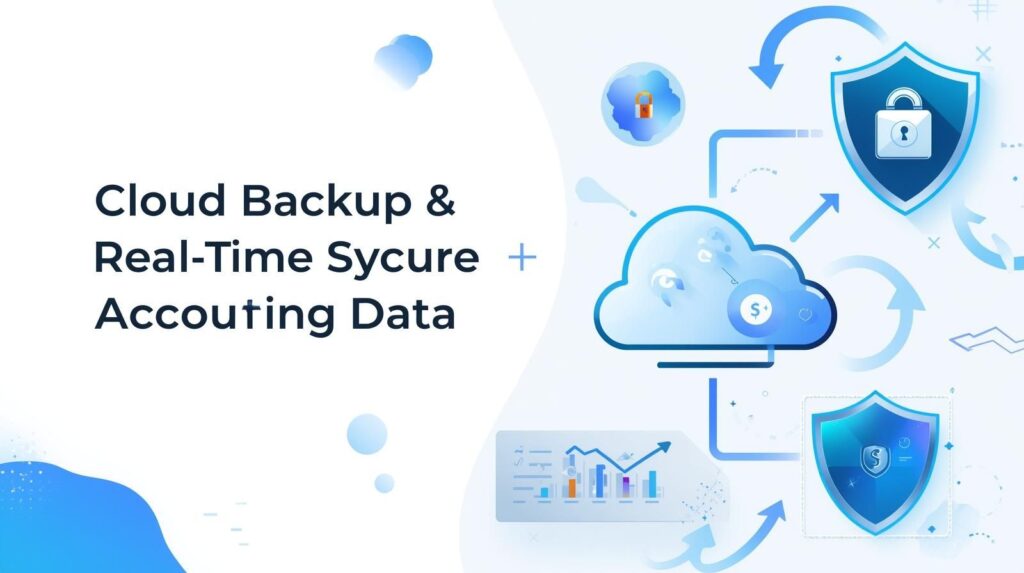
In today’s digital age, accounting data represents the lifeblood of any business. A single data loss incident can
lead to catastrophic consequences—from compliance violations to complete business paralysis. This
comprehensive guide explores why cloud backup and real-time synchronization have become non-negotiable
for modern accounting practices.
Cloud backup for accounting refers to the automatic copying and storage of financial records, transactions, and
bookkeeping data to remote servers managed by third-party providers. Unlike traditional backup methods that
rely on physical storage devices, cloud solutions offer continuous protection with minimal manual intervention.
Modern cloud backup systems for accounting data include several critical features. These systems automatically
capture every transaction as it occurs, ensuring no financial data is lost between backup intervals. They employ
military-grade encryption both during transmission and while stored, protecting sensitive financial information
from unauthorized access. Version control capabilities allow businesses to restore data from specific points in
time, which proves invaluable when tracking down errors or recovering from ransomware attacks.
Many accounting firms and businesses still rely on outdated backup approaches that expose them to significant
risks. Local hard drives can fail without warning, external drives can be stolen or damaged in the same disaster
that affects primary systems, and manual backup processes depend on human consistency—a notoriously
unreliable factor.
The Hidden Costs of Data Loss
The true cost of losing accounting data extends far beyond the immediate disruption. Businesses face regulatory
penalties when they cannot produce required financial records, legal complications arise from missing audit
trails, and client trust erodes when firms cannot maintain data integrity. Recovery efforts consume countless
hours of professional time, and in severe cases, businesses may never fully recover their complete financial
history.
Real-time synchronization transforms how accounting teams collaborate and ensures data consistency across all
platforms and users. When one team member updates a ledger entry, that change instantly propagates to all
connected systems, eliminating version conflicts and outdated information.
How Real-Time Sync Works
Modern accounting platforms use sophisticated conflict resolution algorithms to handle simultaneous edits from
multiple users. These systems track every keystroke and update, transmitting changes within seconds to all
connected devices. The technology ensures that whether team members work from the office, home, or client
sites, everyone accesses identical, current data.
Natural disasters like fires, floods, and earthquakes can destroy physical offices and local servers in minutes.
Cybersecurity threats including ransomware attacks increasingly target financial data specifically because
businesses will pay substantial ransoms to recover it. Hardware failures occur without warning, and human
errors—accidentally deleted files or overwritten records—happen more frequently than most businesses admit.
Real-World Recovery Success Stories
Companies using cloud backup have recovered from catastrophic events within hours instead of weeks. One
accounting firm hit by ransomware restored all client data from cloud backups made just minutes before the
attack, avoiding a potentially business-ending crisis. Another firm whose office flooded had staff working with
clients remotely the next day because all data remained accessible in the cloud.
Financial regulations worldwide increasingly mandate robust data protection and retention policies. The IRS
requires businesses to maintain accurate records for at least three years, while some transactions demand sevenyear retention. International standards like GDPR impose strict requirements on how financial data must be
protected and backed up.
Audit Trail Integrity
Cloud backup systems automatically maintain comprehensive audit trails showing who accessed, modified, or
deleted data and when. These immutable records prove essential during audits, legal proceedings, or internal
investigations. Unlike manual systems where logs can be altered or lost, cloud-based audit trails provide
unassailable evidence of data handling practices.
Selecting an appropriate cloud backup system requires careful evaluation of several factors. Businesses should
assess encryption standards, ensuring the provider uses AES-256 or equivalent protection. Geographic
redundancy matters—data should be replicated across multiple regions to survive regional disasters. Recovery
time objectives define how quickly you can restore operations after an incident, while recovery point objectives
determine how much data you can afford to lose.
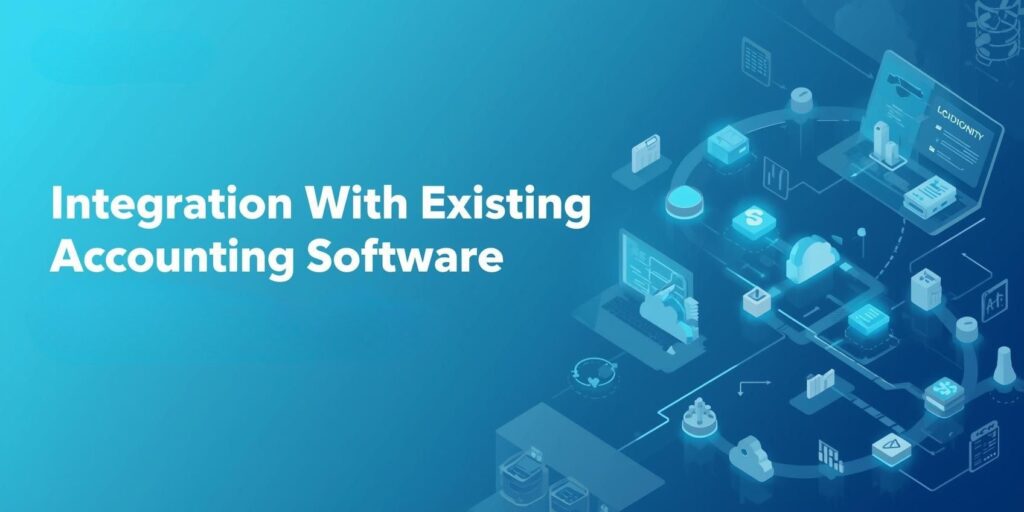
The best cloud backup solutions integrate seamlessly with popular accounting platforms like QuickBooks,
Xero, Sage, and FreshBooks. Native integrations ensure comprehensive backup coverage without requiring
complex configurations. Some solutions offer universal compatibility through API connections, while others
provide specialized features for specific accounting platforms.
Implementation Best Practices
Successful cloud backup implementation begins with a thorough assessment of current data volumes, growth
projections, and recovery requirements. Organizations should establish clear retention policies specifying how
long different data types must be preserved and under what conditions data can be deleted.
Even the most sophisticated backup system fails if staff don’t use it properly. Training programs should cover
how the backup system works, what data gets backed up automatically, how to verify backups succeeded, and
how to initiate restores when necessary. Regular drills where teams practice data recovery ensure everyone
knows their role during actual emergencies.
Cloud backup costs typically range from small monthly fees to larger enterprise contracts based on data volume
and features required. However, these costs pale compared to potential losses from data disasters. Consider that
recreating lost financial records manually can cost hundreds or thousands of dollars per hour in professional
accounting fees, plus potential regulatory fines and lost business opportunities.
ROI Calculations
Calculate your backup ROI by estimating your total accounting data value, the probability of data loss incidents,
and potential recovery costs without cloud backup. Most businesses find that cloud backup pays for itself many
times over by preventing even a single serious data loss event.
Security Considerations and Best Practices
While cloud backup offers superior security compared to most local solutions, organizations must still
implement proper security measures. Multi-factor authentication should be mandatory for all users accessing
backup systems. Role-based access controls ensure employees only access data necessary for their
responsibilities. Regular security audits verify that protection measures remain effective against evolving
threats.
Encryption Standards
End-to-end encryption means data is encrypted on your devices before transmission, remains encrypted during
transit, and stays encrypted in cloud storage. Only authorized users with proper decryption keys can access the
data, protecting it even if storage systems are compromised.
Emerging technologies promise even greater data protection capabilities. Artificial intelligence systems can now
predict potential data loss events before they occur, allowing preemptive action. Blockchain technology offers
immutable ledgers that can verify accounting data integrity with mathematical certainty. Quantum encryption
may soon provide theoretically unbreakable protection for the most sensitive financial information.
Common Misconceptions About Cloud Backup
Many business owners incorrectly assume that having data in cloud accounting software means it’s
automatically backed up. While cloud platforms provide some protection, dedicated backup solutions offer
additional redundancy and recovery options. Another misconception holds that cloud backup is too expensive
for small businesses, when in reality, affordable options exist for organizations of all sizes. Some believe
manual backups provide sufficient protection, but human error and inconsistency make this approach unreliable.
Disaster-proofing your accounting data through cloud backup and real-time synchronization has evolved from a
best practice to an absolute necessity. The combination of automatic protection, instant recovery capabilities,
and seamless collaboration transforms how businesses protect their financial information. In an environment
where data disasters can strike without warning and recovery costs continue rising, cloud backup represents not
just smart technology adoption but essential business insurance.
The question is no longer whether your business can afford cloud backup for accounting data—it’s whether you
can afford to operate without it. As cyber threats intensify, natural disasters become more frequent, and
regulatory requirements grow stricter, the businesses that will thrive are those that have already disaster-proofed
their books through modern cloud protection.
Reputable providers include data portability guarantees in their contracts, ensuring you can export your complete backup archive if necessary. Choose providers with established track records and financial stability to minimize this risk.
Restoration time depends on data volume and connection speed, but most businesses can restore critical data within hours rather than days. Incremental backups allow for faster recovery of recent changes.
Modern cloud solutions backup data continuously or every few minutes, capturing changes in real-time. This frequency ensures minimal data loss even if disaster strikes between backup intervals.
Cloud storage like Dropbox or Google Drive provides file access and sharing but isn’t designed specifically for data protection. Cloud backup creates versioned copies specifically for disaster recovery, with features like automated scheduling, retention policies, and specialized recovery tools.